> For the complete documentation index, see [llms.txt](https://fish-networking.gitbook.io/docs/llms.txt). Markdown versions of documentation pages are available by appending `.md` to page URLs; this page is available as [Markdown](https://fish-networking.gitbook.io/docs/tutorials/getting-started/setting-up-a-camera/using-the-scene-camera.md).
# Using the Scene Camera
Using the camera in the scene for your local player.
With this method our local player will take control of the Main Camera it finds in the scene.
{% stepper %}
{% step %}
### **The main camera tag**
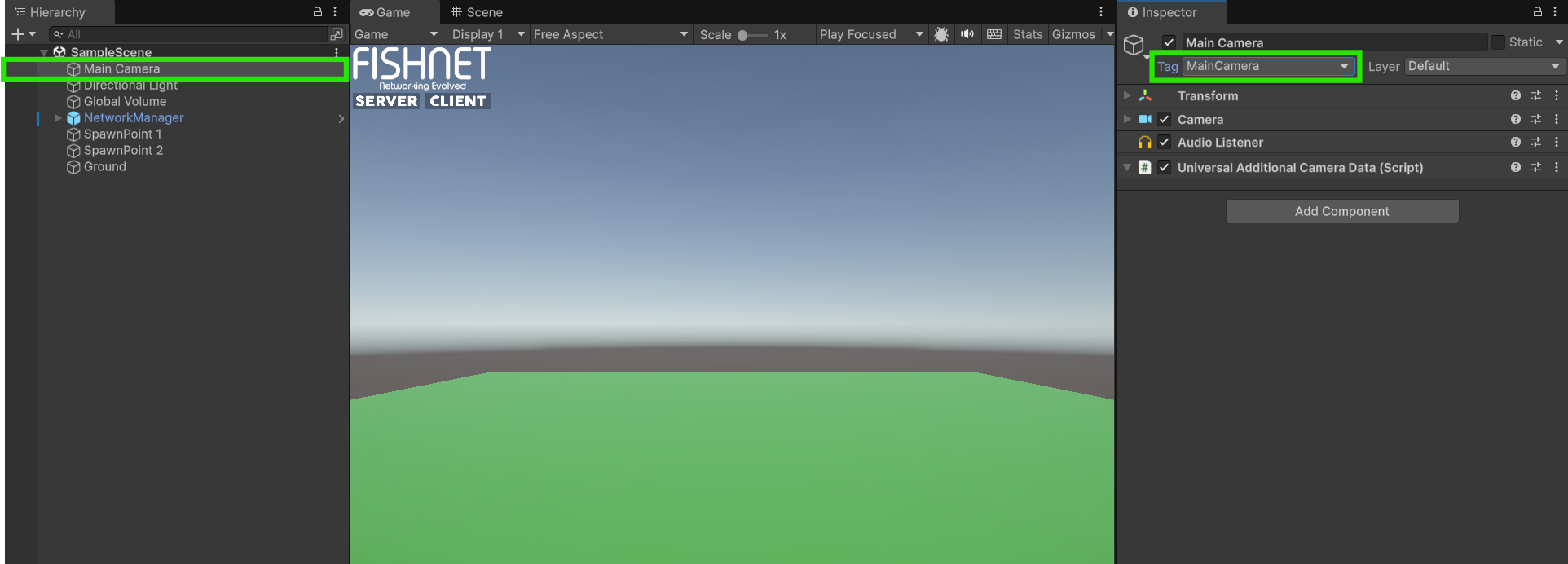
Before we start we need to ensure our camera object in the scene is tagged as the "Main Camera"
Main Camera in scene with the tag
{% endstep %}
{% step %}
### **Giving the player a camera holder**
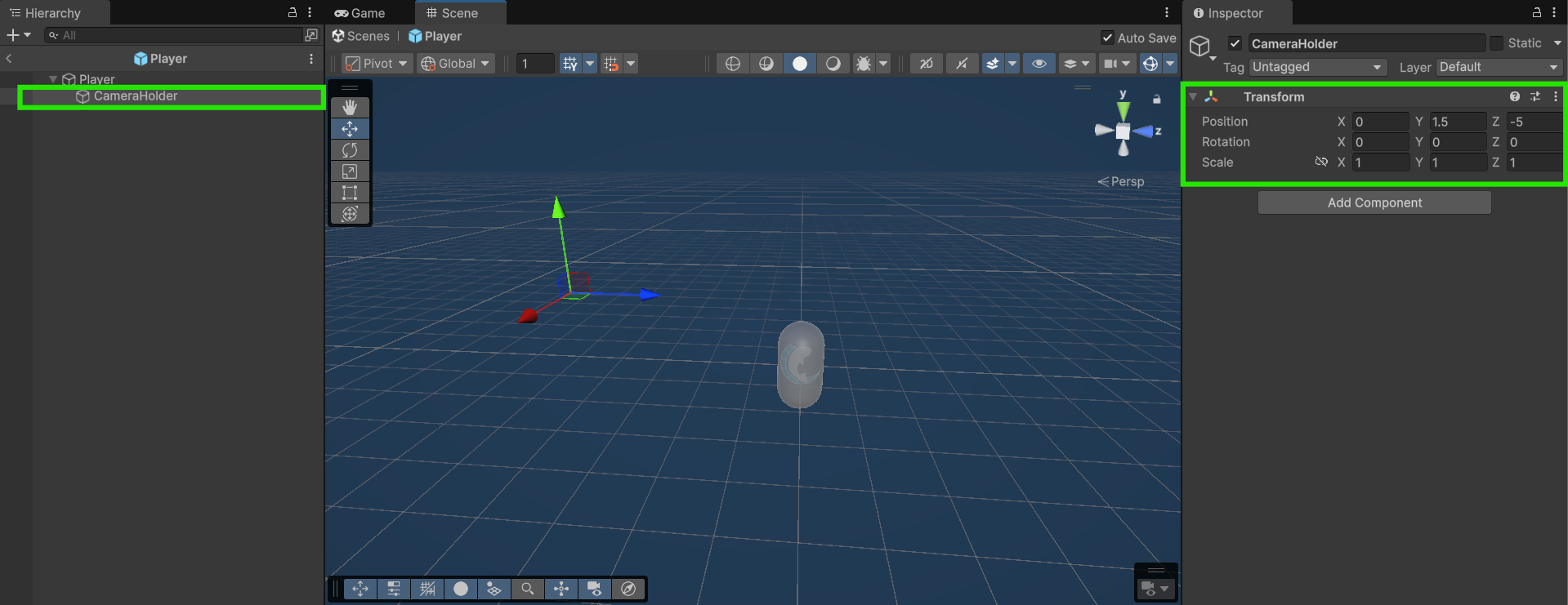
Now create an empty Game Object on your **Player Prefab** and position it where you'd like. This will be where we parent and position the **Camera** object.
Camera Holder created on the Player Prefab
{% endstep %}
{% step %}
### **Writing a PlayerCamera script**
Let's now add the following `PlayerCamera` script to the **Player Prefab** that we will use to take control of our **Camera** once our player spawns in.
{% code title="PlayerCamera.cs" lineNumbers="true" %}
```csharp
using FishNet.Connection;
using FishNet.Object;
using UnityEngine;
// This script will be a NetworkBehaviour so that we can use the
// OnOwnershipClient override.
public class PlayerCamera : NetworkBehaviour
{
[SerializeField] private Transform _cameraHolder;
// This method is called on the client after gaining or losing ownership of the object.
// We could have used OnStartClient instead, as we did in the previous example, but using OnOwnershipClient
// means this will work for a player object we don't initially own but are given ownership to later.
public override void OnOwnershipClient(NetworkConnection prevOwner)
{
if (Camera.main == null)
return;
// If we are the new owner of this object, then take control of the camera by parenting it
// and moving it to our camera holder.
if (IsOwner)
{
Camera.main.transform.SetPositionAndRotation(_cameraHolder.position, _cameraHolder.rotation);
Camera.main.transform.SetParent(_cameraHolder);
}
}
}
```
{% endcode %}
This script uses the [OnOwnershipClient](/docs/guides/features/networked-gameobjects-and-scripts/network-behaviour-guides.md#onownershipclient) override method from [NetworkBehaviour](/docs/guides/features/networked-gameobjects-and-scripts/network-behaviour-guides.md) to instantiate the camera prefab for our local player as soon as he gets ownership of the object. We could just have easily used the [OnStartClient](/docs/guides/features/networked-gameobjects-and-scripts/network-behaviour-guides.md#onstartclient) override method like the [Instantiating a Local Camera](/docs/tutorials/getting-started/setting-up-a-camera/instantiating-a-local-camera.md) example shows.
{% endstep %}
{% step %}
### **Assign your references to the script**
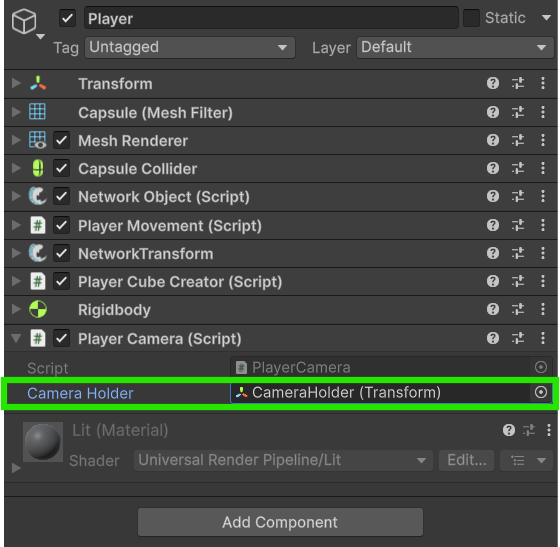
Now select the **Player Camera** component in your **Player Prefab** and add the **Camera Prefab** we made to the *Camera Prefab* field. Also select the **CameraHolder** game object in the *Camera Holder* field.
The Player prefab with the Camera Holder filled in
{% endstep %}
{% step %}
### **Test the camera in-game**
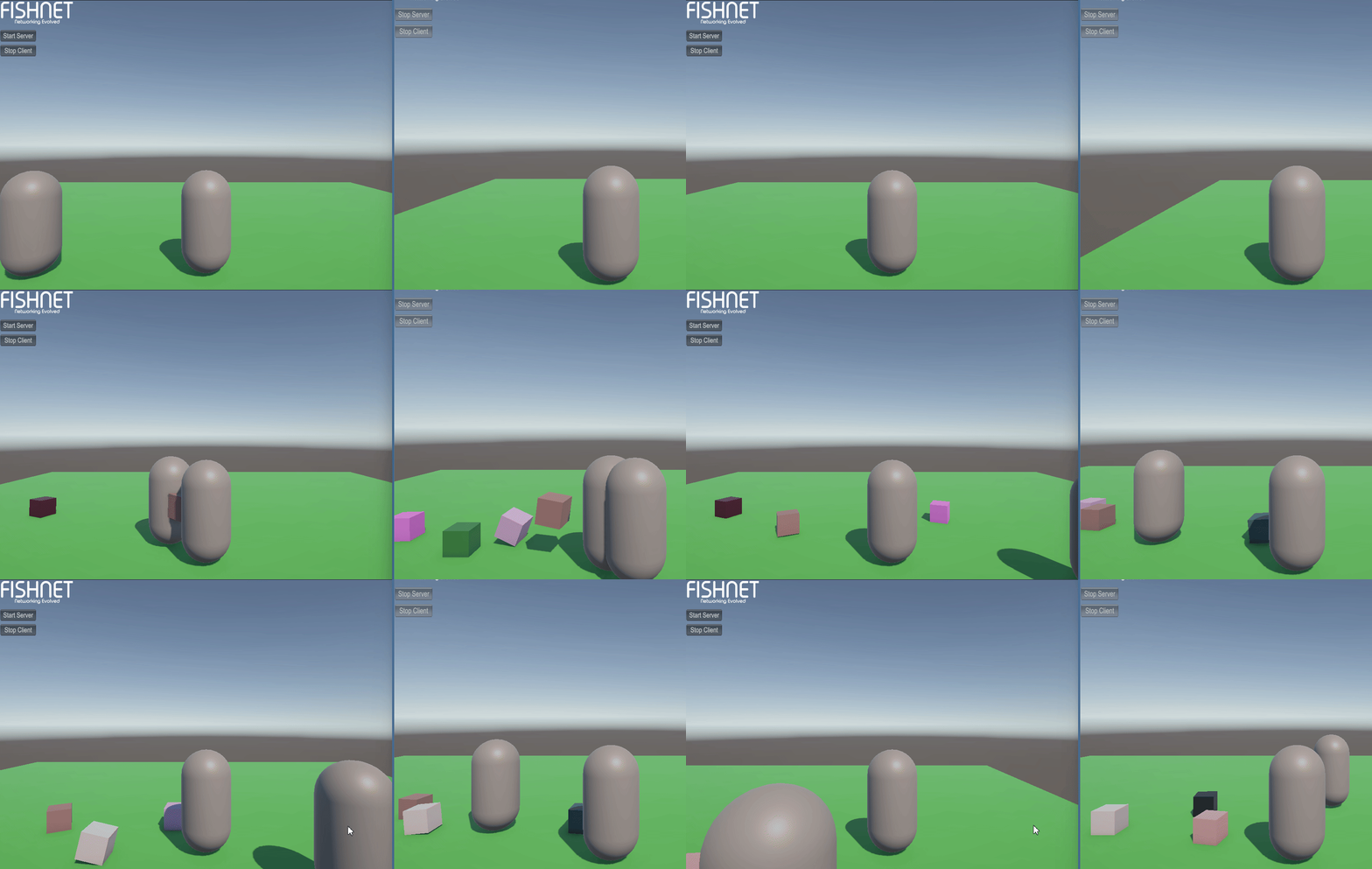
With all that set you should be able to run the game and see how the camera from the scene is controlled by only your local player.
Demonstration of the local camera
{% endstep %}
{% endstepper %}
{% hint style="info" %}
Download the project files with these completed steps here, or explore the repository:
Source FilesRepository
{% endhint %}